
Hello,
I have just been working on some photographs of some flowers that I made a few weeks ago. Most of the photographs that I took were of a single red Gerbera flower from many different angles in natural light. I have the habit of taking lots of photographs with only very slight changes before moving onto bigger changes, and many of these photographs were looking a little too alike so I played with some of the Lightroom presets to get more different effects. I was quite pleased with these effects – the ones that I was most pleased with can be found at:-
https://500px.com/paulcullenphotography/sets/flowers
Here are some examples of the effects achieved:-

Original colours.

Selenium Tone

Original file.
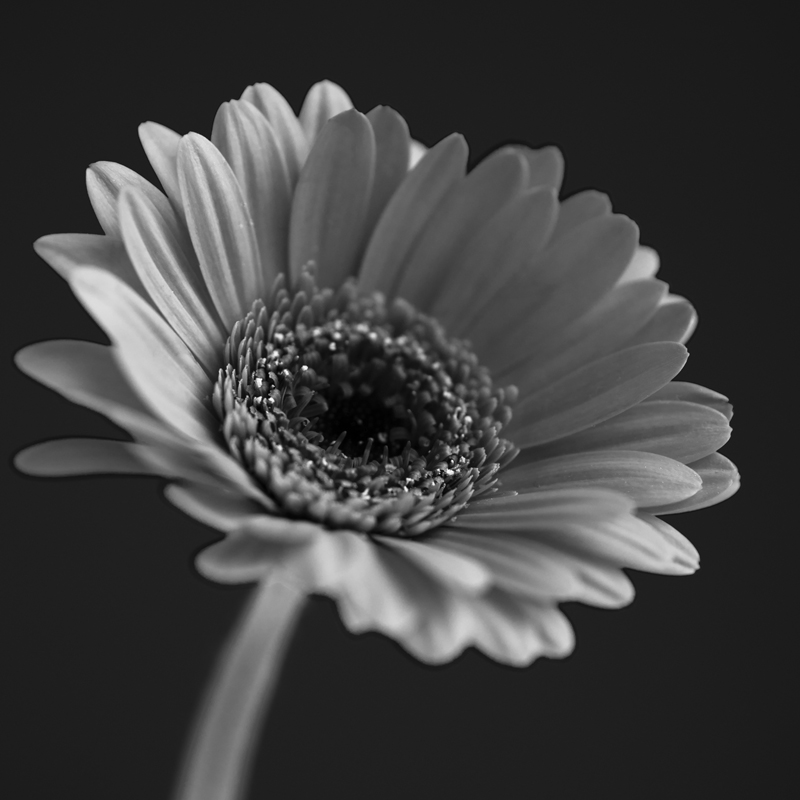
Red Hi-Contrast – one of the monochrome presets.
Now that you have an idea of the original colour scheme, I’ll just put in the adjustment/preset/changes used.
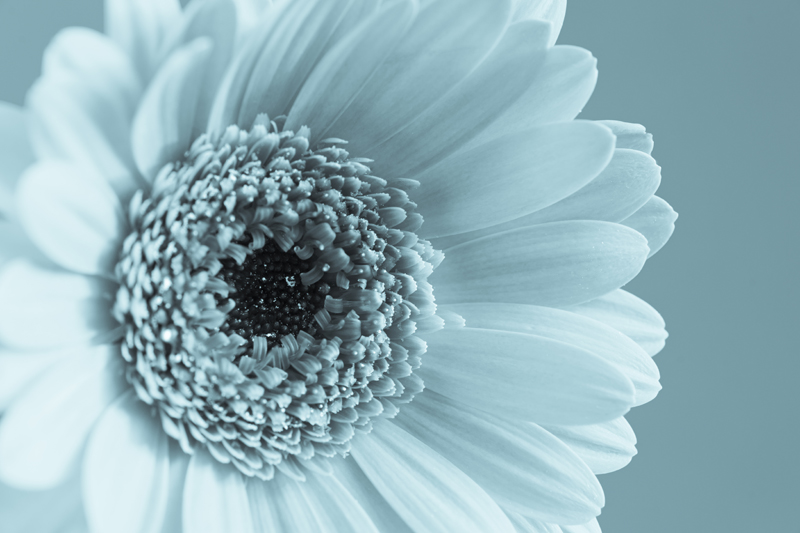
Cyanotype.
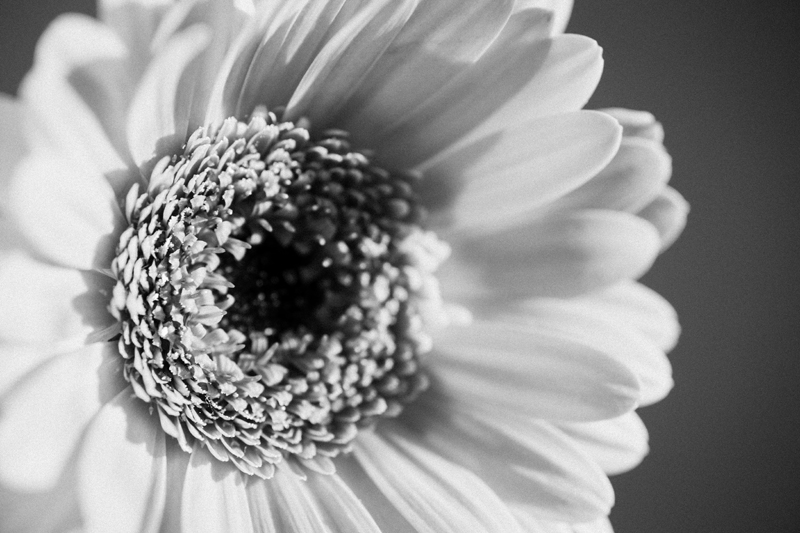
Black and white look 3.

Yellow filter – the effect that you would have had putting a yellow filter over a monochrome film

Cross process 3 – each of the cross process presets gives a different effect.
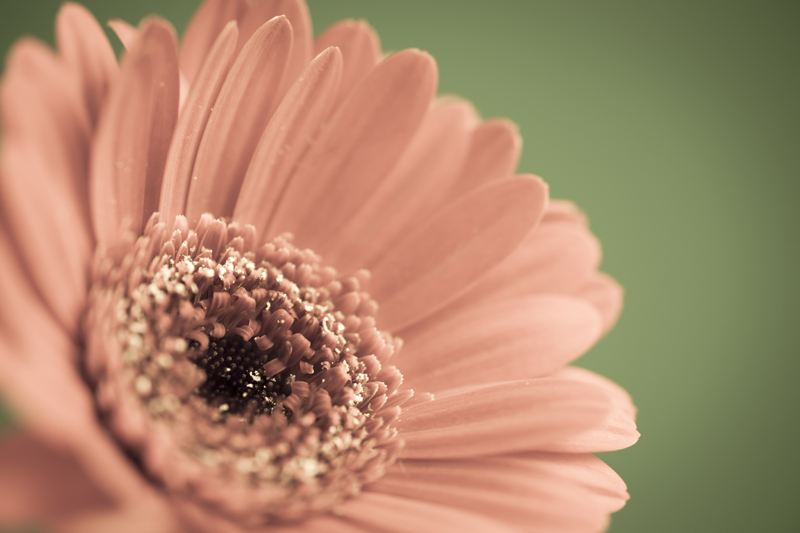
“Aged photo” preset.
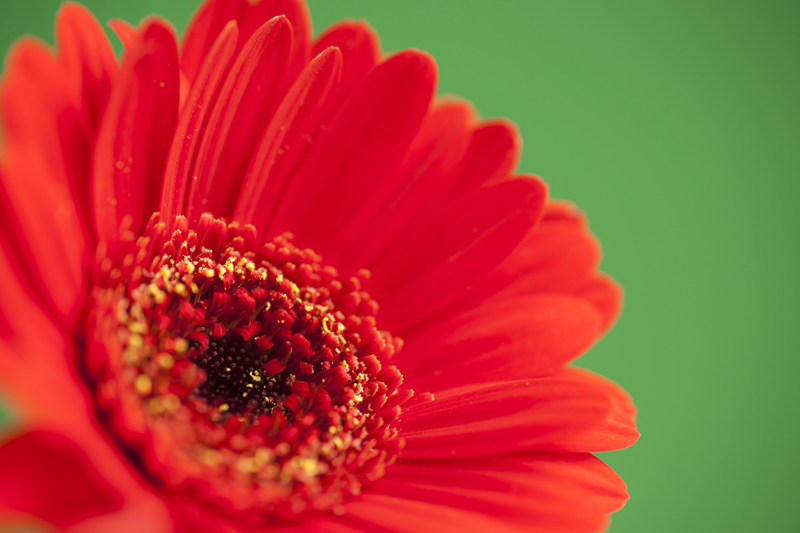
No preset – only adjustment of Clarity and Vibrance -green background.
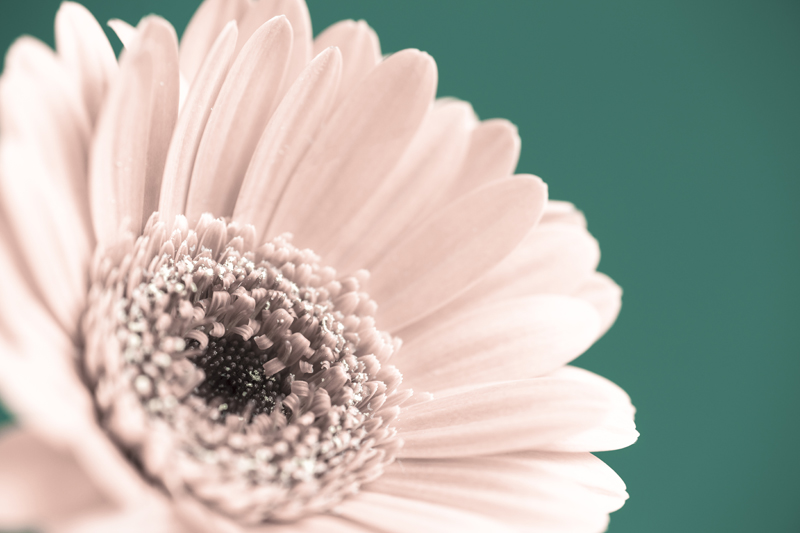
Cold tone – Red on Green background.

Split tone 2 – there are three native split tones. (On a green background)

Bleach Bypass (Red on a green background).
So there you are, 11 (13 if you count the reference images that I have put in at the beginning) different effects that you can achieve on similar images to make them stand out. There are many more, so I hope that I have given you the incentive to experiment with your own images to produce something vibrant.
The presets, found on the left hand side in “Develop mode” really just alter the adjustment controls on the Right hand side. You can broaden your scope even further with third party presets that you can buy or even get for free; alternatively, you could experiment with the right hand controls to create your own effects. Lightroom has the ability to save these “home grown” presets.
Haven’t got Lightroom? Don’t worry, other photo editing suites like Coral Paint Shop Pro and OnOne Perfect Photo Suite also have built in presets.
 Paul Cullen Photography